 Bubble Letters
Bubble Letter Generator
Type a name or word. Learn to draw it step by step, print it big for a wall, paste it into Google Docs and Slides, make a practice sheet, or cut it on a Cricut.
Sends your text to an AI model
How to draw Sophia in bubble letters
1Sketch the skeleton
How to draw Sophia in bubble letters
1Sketch the skeleton
2Draw a puffy outline around it
3Erase the skeleton and hidden lines
4Add a shine and a shadow
Numbers show where each stroke starts, arrows show which way to go. Red lines are new in each step; gray lines are from the step before.
Bubble letters A to Z
Every letter with its own step-by-step drawing guide and a free printable.
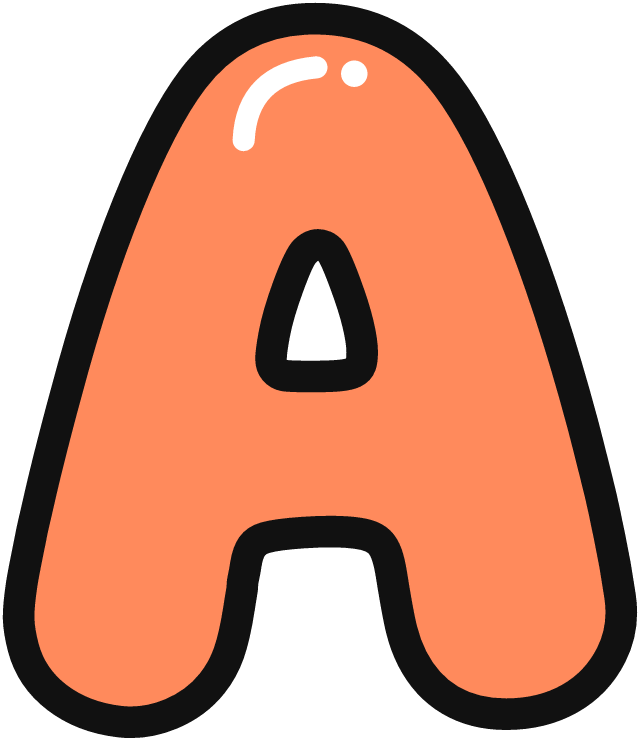 A
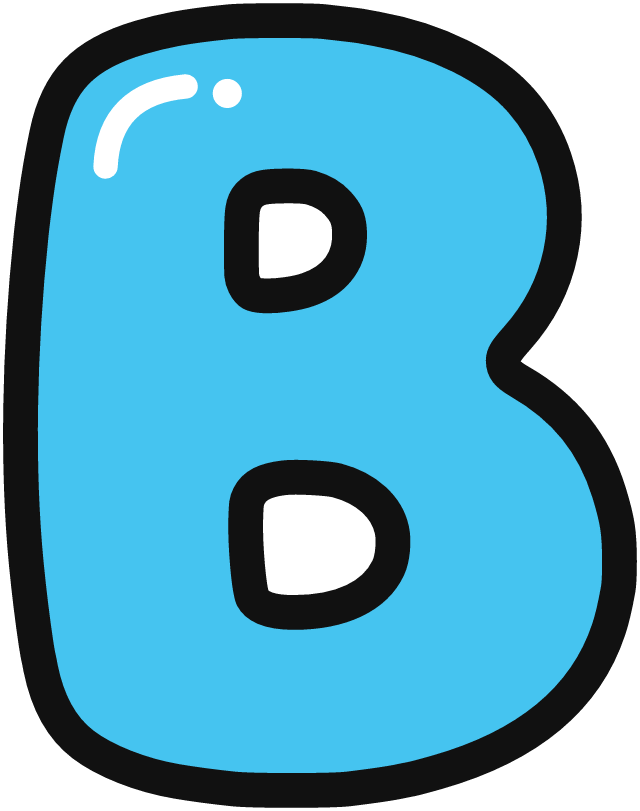 B
 C
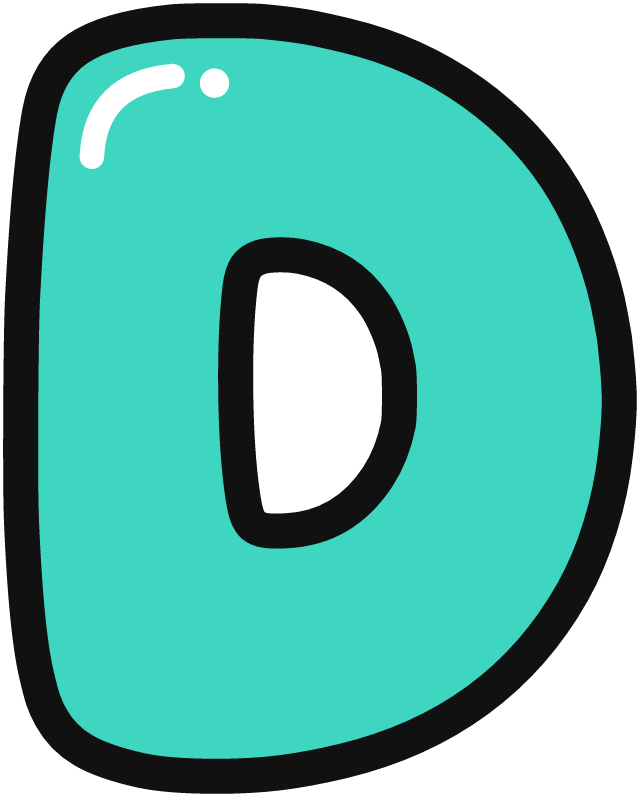 D
 E
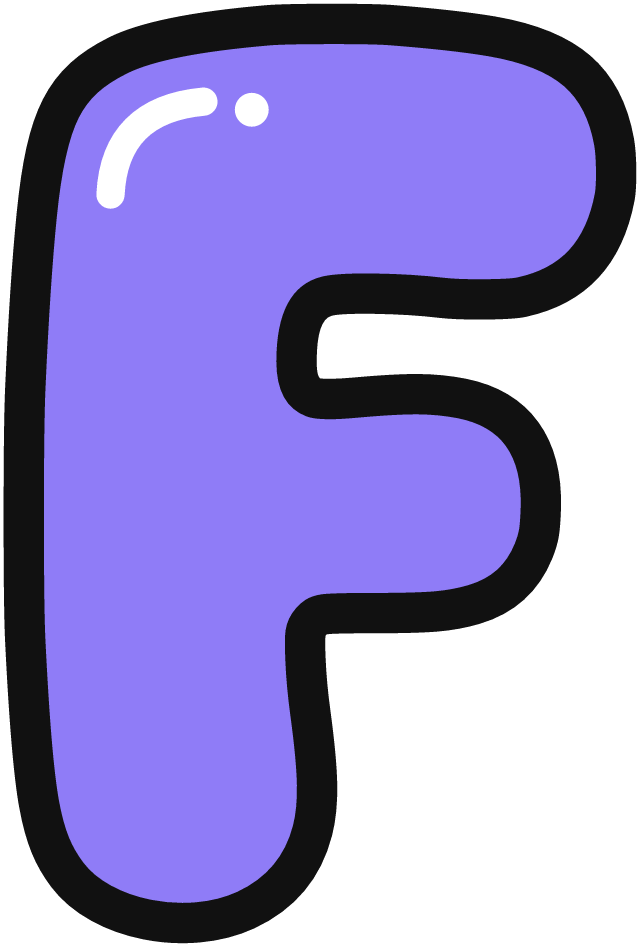 F
 G
 H
 I
 J
 K
 L
 M
 N
 O
 P
 Q
 R
 S
 T
 U
 V
 W
 X
 Y
 Z
How to draw bubble letters
Every bubble letter starts as a plain stick letter. Sketch it lightly, then draw a puffy outline around it, keeping the same distance from the stick the whole way around. Round every corner. Then erase the stick letter and add a little shine in the top left corner.
The hard part is the overlap. When letters touch, the letter in front keeps its full outline and the one behind loses the lines it hides. Work left to right and let each new letter sit on top of the one before it. The Draw it tab above shows exactly which lines to erase for any word you type.
Bubble letters for a bulletin board
Pick Print for a wall, choose how tall each letter should be (or how wide the whole word should be), and download a PDF. Each letter prints on its own sheet, and big letters are split across several sheets with overlap marks so you can tape them together. Print at 100% and check the 1-inch ruler on the first page.
Bubble letters in Google Docs and Slides
Pick Copy to Docs & Slides and hit Copy image, then paste into your doc, slide, or Canva design. The background is transparent, so it sits right on top of any color.
Name tracing practice sheets
Pick Practice sheet and type your child's name. You get one printable page in three parts: the name in bubble letters to color in, a tracing row with numbered starting dots and arrows that show the stroke order, and the same four drawing steps from the Draw it tab so they can try it on their own.
Bubble letters for Cricut and Silhouette
Pick Cricut cut file to download an SVG where every letter is already welded into one shape, so there are no overlapping lines to clean up. Add a sticker border and download the sticker PNG to use with Print Then Cut.